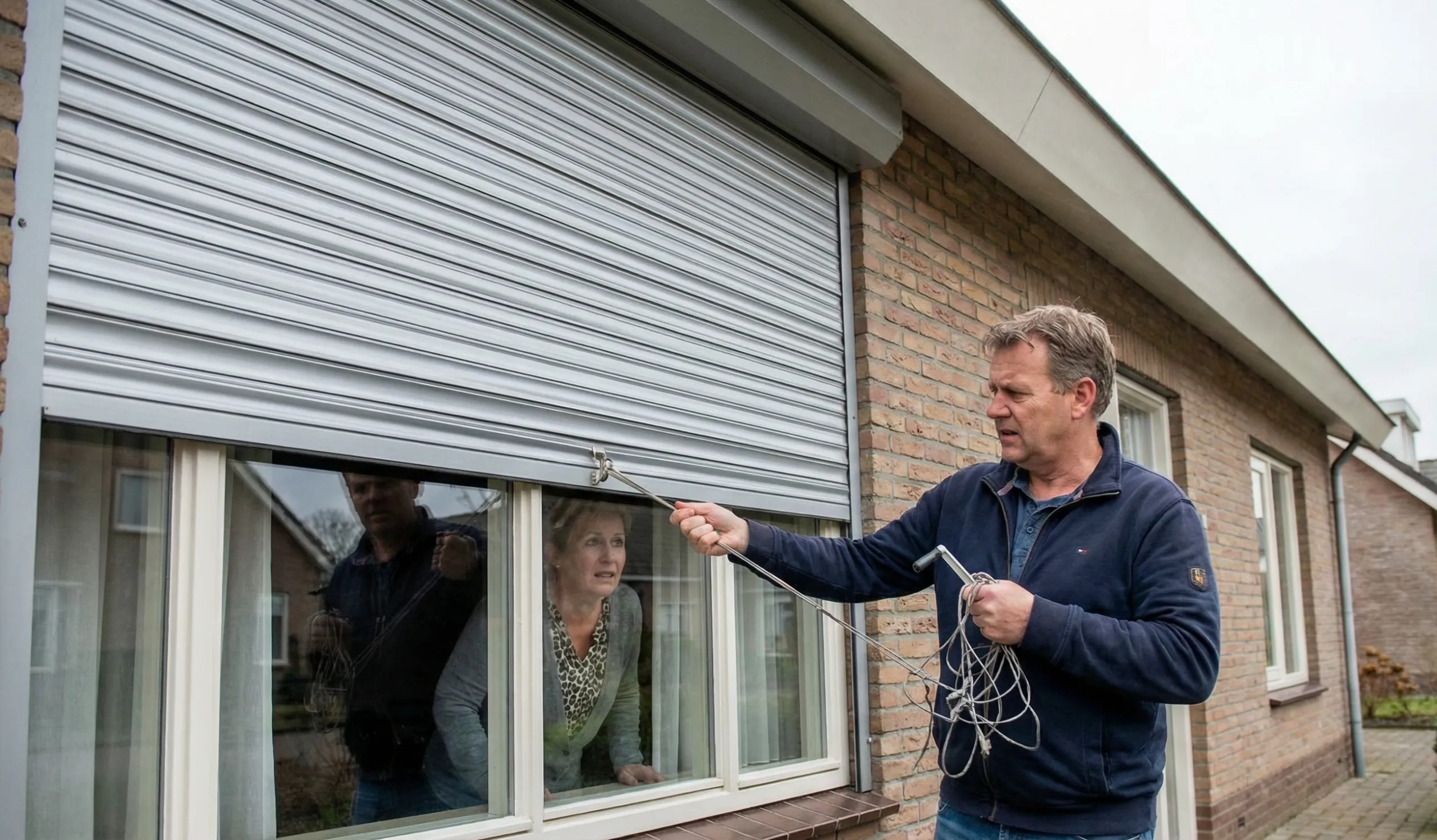
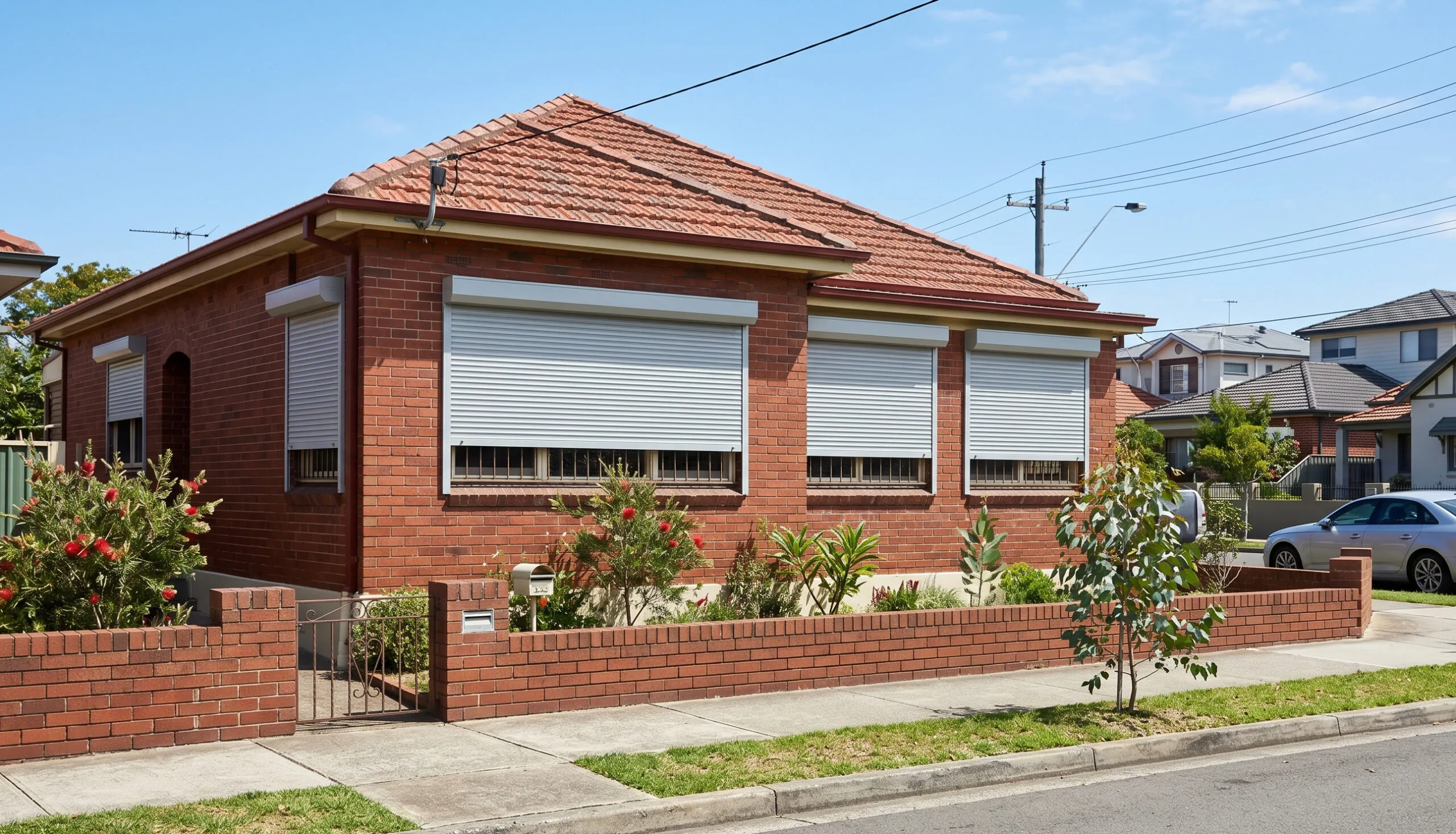
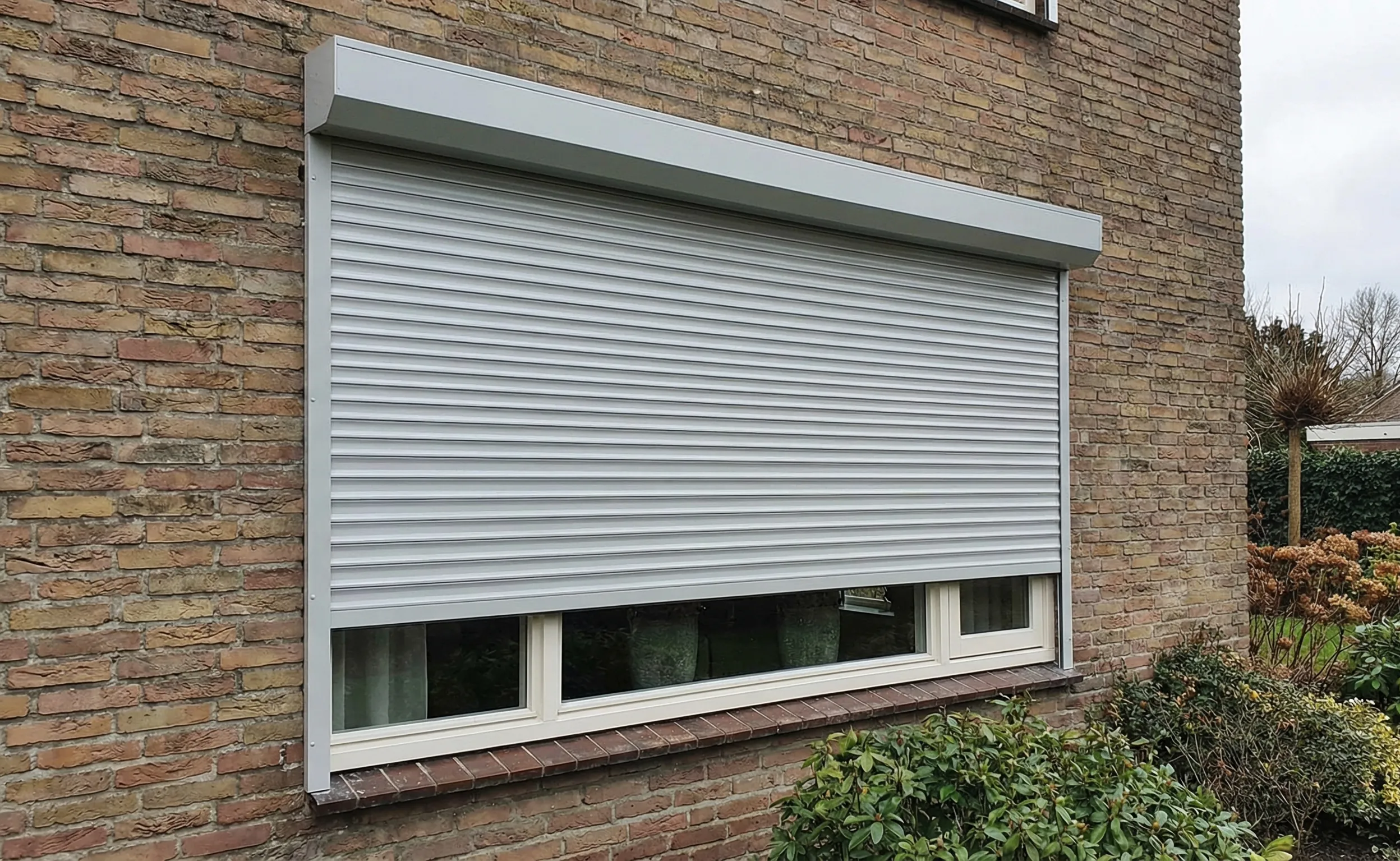
Is your roller shutter remote not working? Learn the most common causes like dead batteries, signal issues and receiver faults, plus step-by-step fixes.
 Fix My ShuttersRoller shutter repairs, Sydney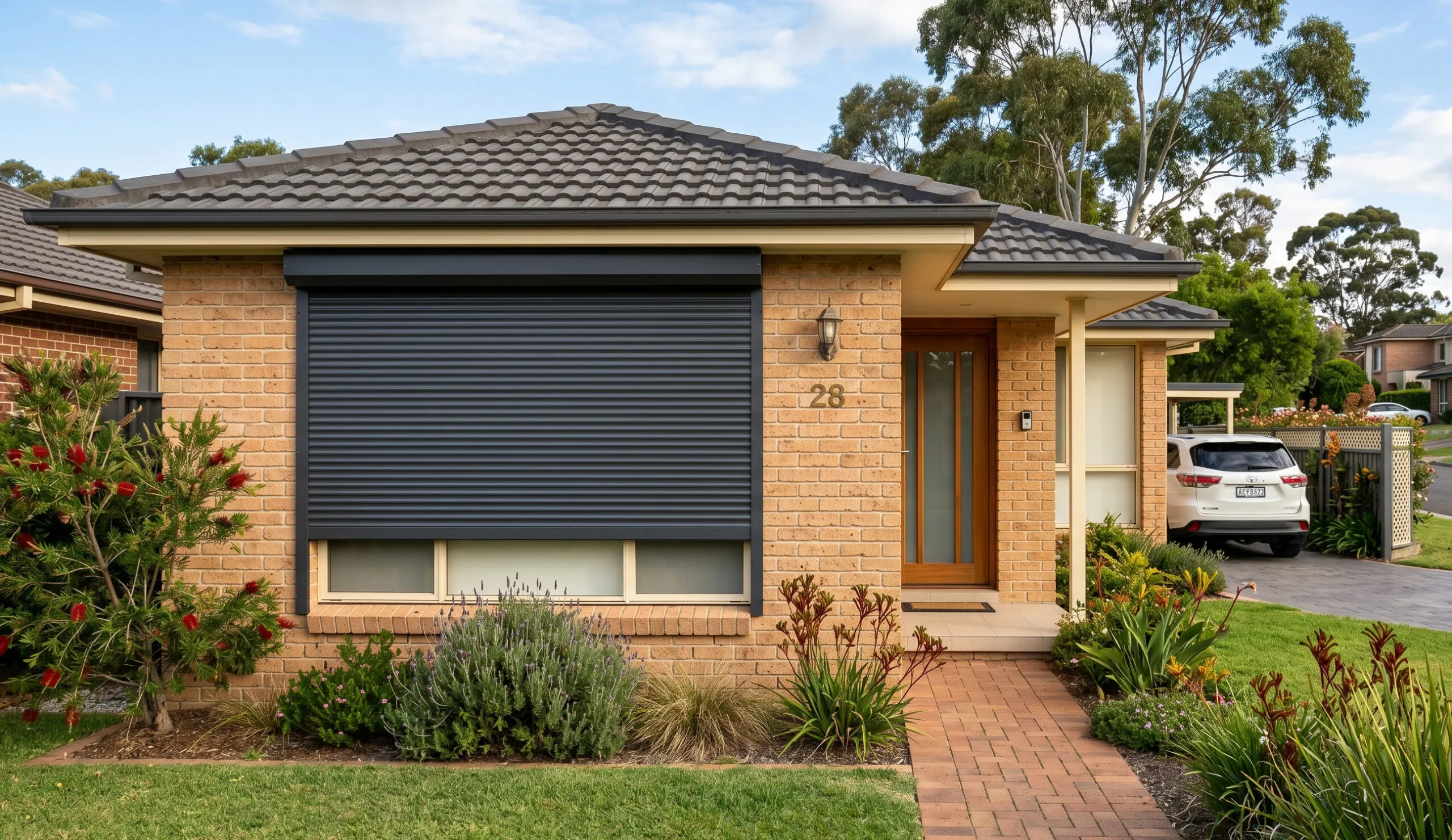
Few things are more frustrating than pressing your roller shutter remote and getting no response. A roller shutter remote not working can leave your home exposed, your routine disrupted and your patience tested. The good news is that most remote failures come down to a handful of common causes, and many of them are straightforward to fix yourself.
This guide walks through every likely reason your remote has stopped responding. We will cover quick checks you can do in under a minute, step-by-step fixes for more stubborn problems, and clear guidance on when it is time to call a professional roller shutter repairer.
Before pulling anything apart, it helps to understand the most frequent culprits. Narrowing down the cause early saves time and avoids unnecessary part replacements.
If your shutter also refuses to move using a wall switch or manual override, the issue is likely with the motor or wiring rather than the remote. See our guide on signs your roller shutter motor needs repair.
Before opening the remote or climbing a ladder, try a simple power cycle. This clears temporary memory errors in the receiver and resolves roughly 60 percent of electronic glitches.
If the shutter responds, the receiver had a temporary fault. If it still does not respond, move on to battery checks below.
Start with the simplest fix first. Battery problems are the number one reason a roller shutter remote stops working, and replacing them takes less than a minute.
Avoid mixing old and new batteries or using different brands together. Mismatched cells drain unevenly and can leak, damaging the battery compartment over time.
The small LED on most roller shutter remotes is your quickest diagnostic tool. It tells you whether the remote is actually sending a signal before you start troubleshooting the receiver end.
If the LED flashes normally but the shutter does not respond, the fault is almost certainly with the receiver, the pairing, or the motor. Move on to re-pairing below.
Power outages, electrical surges and even long periods of disuse can cause the receiver to forget its paired remote. Re-pairing restores the link between the two devices. The exact steps vary by brand, but the general process is consistent across most Australian roller shutter systems.
| Brand | Learn Button Location | Pairing Timeout | Common Battery |
|---|---|---|---|
| Somfy | On the back of the motor head or receiver | 10 seconds | CR2430 |
| Merlin | Inside the receiver box, small red button | 30 seconds | CR2032 |
| B&D / Garador | On the receiver circuit board | 20 seconds | A27 |
| Ozroll E-Series | Near the antenna wire on the receiver | 30 seconds | CR2032 |
| Generic 433MHz | Near the antenna wire on the receiver | 15 seconds | Varies |
If your remote uses a rolling code system (common on Somfy and Merlin units), each pairing attempt generates a new encrypted code. This is more secure but means you cannot simply copy a signal from another remote. Fixed-code remotes (often generic 433MHz units) can sometimes be cloned, but rolling-code remotes must always be paired directly to the receiver.
Radio frequency interference is the second most common reason a roller shutter remote stops responding. Most remotes operate on 433MHz or 868MHz, which can overlap with other household devices. The ACMA provides guidance on managing wireless interference in Australia.
LED lighting with poor-quality drivers is a surprisingly common source of RF interference in Australian homes. If your remote stopped working around the same time as a lighting upgrade, try switching off the new lights as a test.
When battery replacement and re-pairing do not resolve the issue, a full receiver reset clears all stored data and returns the unit to factory settings. This forces a fresh start.
If your roller shutter motor has overheated or hit an obstruction, it may enter a protective step mode. In this state, the motor only moves in short bursts of a few centimetres at a time, which can look like the remote is malfunctioning.
If the motor keeps entering step mode after clearing, the issue may be incorrect spring tension or a mechanical fault that is making the motor work harder than it should. A technician can diagnose whether the motor, spring or guides need attention.
Some remote faults are genuine DIY territory. Others need a qualified technician with the right tools and parts. Knowing the difference saves you time and prevents accidental damage to the motor or receiver.
| Problem | DIY Fix | Call a Professional |
|---|---|---|
| Dead batteries | Yes, replace immediately | No |
| Corroded battery terminals | Yes, clean with fine sandpaper | No |
| Remote lost pairing | Yes, follow re-pairing steps | If re-pairing fails repeatedly |
| Signal interference | Yes, test and relocate devices | If interference source cannot be found |
| Cracked remote casing | Maybe, if buttons still press firmly | If circuit board is exposed or damaged |
| Thermal overload / step mode | Yes, clear obstruction and cool down | If it keeps triggering |
| Receiver not responding to any remote | Try a reset first | Yes, likely a receiver or wiring fault |
| Motor does not respond to wall switch either | No | Yes, motor or electrical fault |
| Water damage to remote or receiver | No | Yes, corrosion risk to wiring |
Attempting electrical repairs without proper training can void warranties and create safety hazards. As NSW Fair Trading notes, electrical work in NSW must be carried out by a licensed electrician. If you are unsure at any point, it is always safer to get a professional assessment from a qualified roller shutter repairer.
A few simple habits can dramatically reduce the chance of repeat remote failures. Most of these take no more than a few minutes each season.
If you are going away for an extended period, remove the batteries from your remote to prevent slow discharge and potential leakage.
If cleaning, re-pairing and resetting have all failed, the remote itself may be beyond repair. Replacement is usually quick and affordable, but choosing the right unit matters.
For older shutter systems where the original remote is discontinued, upgrading to a modern receiver and remote set is often more reliable and cost-effective than hunting for obsolete parts. A repairer can advise on whether to repair or replace your roller shutter system based on its age and condition.
Press any button on the remote and look for the small LED indicator light. If the LED does not flash at all, the battery is dead or the remote has an internal fault. A dim or flickering flash means the battery is low and should be replaced. Most roller shutter remotes use CR2032, CR2430 or A27 batteries depending on the brand.
It depends on the coding type. Universal remotes can work with fixed-code systems by cloning the original signal. However, rolling-code systems (used by Somfy, Merlin and most modern brands) generate a new encrypted code with each press, which cannot be cloned. For rolling-code shutters, you need a brand-compatible remote paired directly to the receiver.
Intermittent response usually points to low batteries, borderline signal interference or a loose antenna connection at the receiver. Start by replacing the batteries. If the problem persists, test from directly in front of the receiver. If it works at close range but not from a distance, interference from nearby electronics or metal structures is the likely cause.
Most roller shutter remotes sold in Australia operate on 433.92MHz, which falls within the licence-free ISM band regulated by the ACMA. Some European-origin systems use 868MHz. The frequency is usually printed on a label inside the battery compartment or on the back of the remote.
Under normal household use (a few presses per day), a CR2032 or CR2430 coin cell typically lasts 12 to 18 months. Remotes stored in hot locations like car dashboards or direct sunlight will drain faster. Replacing batteries proactively once a year is the simplest way to avoid unexpected failures.
Yes, if your remote supports multiple channels. Multi-channel remotes (such as the Somfy Situo 5 or Ozroll E-Trans) can pair with several receivers, each assigned to a different channel. Some also offer a group channel that operates all paired shutters at once. Check your remote's manual for the maximum number of channels supported.
Short-burst movement usually means the motor has entered step mode after detecting an obstruction or overheating. Clear any debris from the tracks, allow the motor 15 minutes to cool, then hold the STOP button for five seconds to reset the step mode flag. If it keeps happening, the motor may need professional inspection for underlying mechanical faults.
A receiver reset involves pressing a button on the receiver unit, which is safe for any homeowner. However, accessing the receiver often means opening the pelmet cover or working near the motor, which sits at height. If you are not comfortable working on a ladder or near electrical components, a qualified roller shutter technician can handle the reset as part of a standard service call.
Standard Wi-Fi operates on 2.4GHz and 5GHz bands, which are well separated from the 433MHz band used by most roller shutter remotes. Direct interference is unlikely. However, some Wi-Fi routers, mesh systems and smart-home hubs can produce harmonic noise that affects nearby 433MHz receivers. If you suspect interference, temporarily power off your router and test the remote.
Brand-specific replacement remotes from Australian suppliers typically cost between $75 and $190 depending on the brand and whether it is a single-channel or multi-channel unit. Generic clone remotes start from around $15 to $25 but are only compatible with fixed-code systems. A professional supply-and-program service, where a technician brings the correct remote and pairs it on site, usually costs $130 to $180 including the remote. See our full breakdown of roller shutter repair costs across Australia.
Rolling code (also called hopping code) is a security feature where the remote and receiver share an encrypted code sequence that changes with every button press. This prevents anyone from recording your remote signal and replaying it to open your shutters. Somfy, Merlin and most modern Australian roller shutter brands use rolling code as standard. The trade-off is that you cannot clone a rolling-code remote. It must be paired directly to the receiver.
If you have worked through every step in this guide and your roller shutter remote is still not responding, the problem is likely inside the receiver, the motor or the wiring. These are not DIY territory.
Fix My Shutters provides fast, reliable roller shutter repairs across Sydney and surrounds. With over 15 years of experience, our team handles everything from motor replacements and receiver swaps to quick remote diagnostics.
Contact Fix My Shutters for a repair quote. We will get your shutters moving again.